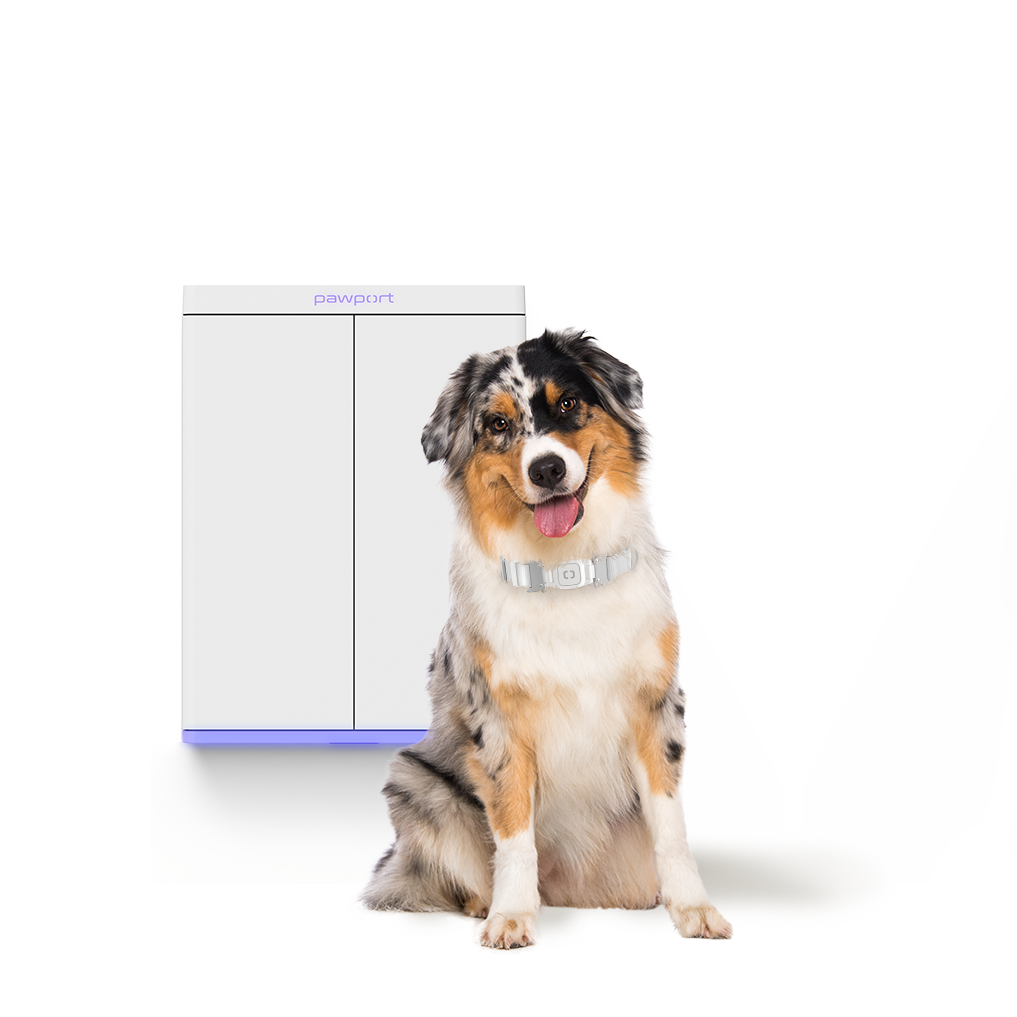
Rechargeable Lithium-Ion Battery

$249

FAQs

If you install a Pawport Rechargeable Lithium-Ion Battery inside your Smart Pet Door, you can charge it by:

  1. Plugging in the USB-C cord to the door and a standard outlet,
  2. Using our optional Charging Dock, or
  3. Through the Pawport Solar Panel. You can check the remaining battery life at any time in the Pawport app or directly on the top control panel. 

Note: the Smart Pet Door does not require a battery to operate, as long as it remains plugged in with the included USB-C cable or is wired using the Pawport Concealed Power Kit


The 57.6 Ah Rechargeable Lithium-Ion Battery is designed to power your door for 3-5 weeks between charges, depending on use. The 6.4 Ah Battery is designed to be used as an emergency backup only to keep your door functioning for up to 24 hours in the event of a power failure.

You can always check the remaining battery life in the Pawport app or via the battery icon on the top control panel of your unit. 

To extend battery life keep the LED lights off, dimmed, or on a schedule. The lights consume a good amount of power if left on 24/7.


No. While you can keep your Smart Pet Door plugged in at all times, you can also only power it through a Pawport Rechargeable Lithium-Ion Battery.

For no-plug operation, you can opt to hardwire your system. Check out our Hardwire Kit for additional information on this option.


No. If you choose to hardwire your Smart Pet Door or keep it plugged in, no additional battery is necessary. However, we always recommend purchasing at least the 6.4Ah Rechargeable Lithium-Ion battery for backup power in case of a power failure.


Keeping your lights on full power around the clock will drain your battery faster. You can maximize your battery life by reducing the brightness of your lights or by setting a schedule, allowing the lights to be off for certain hours of the day or night.